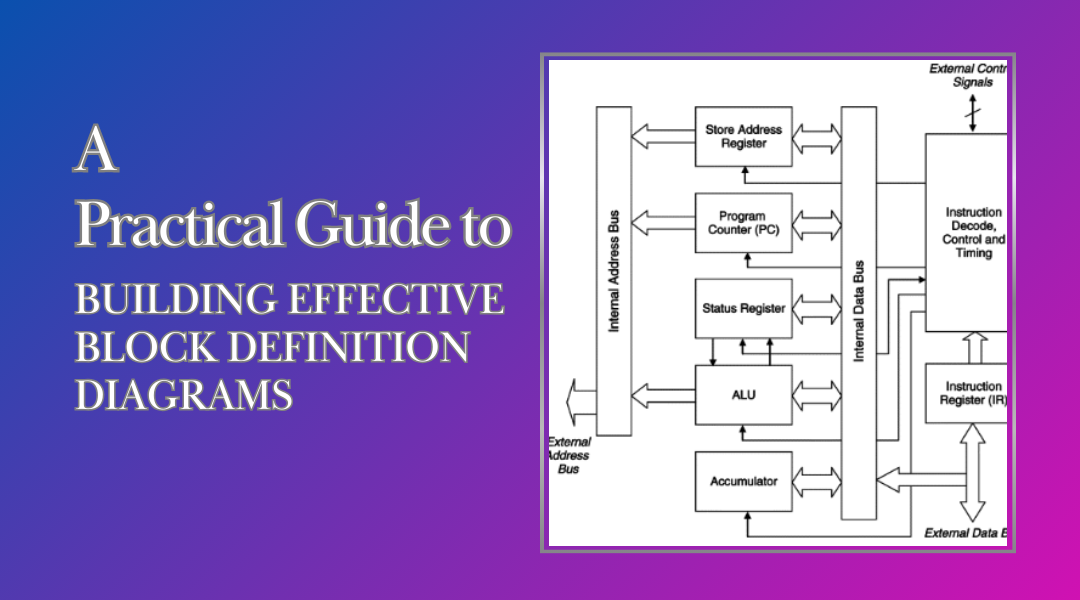
Block Definition Diagrams (BDDs) are powerful tools for visualizing a system’s structure—breaking it down into manageable parts, defining their properties, and illustrating how they connect. Whether you’re designing a smart home system, a medical device, or a software architecture, a well-crafted BDD brings clarity to complexity.
Here’s how to create one step by step, with real-world examples and expert tips to make your diagrams intuitive and actionable.
Step 1: Clarify Your BDD’s Purpose
Before diving into boxes and arrows, ask yourself: What do I need this diagram to communicate?
- Understand the System Inside Out
- If you’re modeling an autonomous drone, identify core components like the flight controller, GPS module, battery system, and obstacle sensors.
- For a hospital patient monitoring system, key blocks might include the central monitoring station, wearable sensors, and alarm modules.
- Set Clear Boundaries
- A high-level BDD might just name major components (e.g., “Engine,” “Transmission,” “ECU” for a car).
- A detailed version would include attributes (e.g., “Engine.capacity: 2.0L”) and operations (e.g., “Transmission.shiftGear(level: int)”).
Step 2: Identify and Name Your Blocks
Blocks represent the “things” in your system—physical parts, software modules, or abstract concepts.
- Choose Meaningful Names
- Instead of “Module1,” use “NavigationSystem” for a drone.
- Avoid ambiguity—”UserInterface” is clearer than just “UI.”
- Example: Smart Refrigerator
- Blocks: TemperatureControl, InventoryTracker, DisplayPanel, CloudSync
Step 3: Define What Each Block “Knows” and “Does”
A block isn’t just a name—it has properties (attributes) and behaviors (operations).
Attributes (The “Knows”)
- TemperatureControl (in a fridge)
- currentTemp: float
- targetTemp: float
- energyMode: enum {Eco, Turbo}
Operations (The “Does”)
- InventoryTracker
- scanItem(barcode: string): bool
- alertExpiry(thresholdDays: int): void
Step 4: Map Out Relationships
How do blocks interact? Use these key relationships:
1. Associations (Basic Connections)
- A Car has an Engine (solid line).
- A Smartwatch communicates with a HeartRateSensor.
2. Generalizations (Inheritance)
- A HybridEngine is a type of Engine (arrow with a hollow triangle).
- In healthcare software, AdminUser and NurseUser might both inherit from HospitalStaff.
3. Dependencies (Temporary Links)
- A BackupService depends on DatabaseConnection (dashed arrow).
- A DroneController might need a WeatherAPI for flight planning.
4. Ports & Interfaces (Structured Interactions)
- A PaymentGateway block could expose a port named transactionAPI that follows a SecurePayment interface.
Step 5: Draw the Diagram Like a Pro
Now, bring it all together visually.
- Arrange Blocks Logically
- Place central components (e.g., SmartHomeHub) in the middle, with connected blocks (e.g., SmartLock, Thermostat) around it.
- Add Compartment Details
- Under each block, list attributes and operations in separate sections.
- Connect with Precision
- Use solid lines for associations, dashed for dependencies, and generalization arrows for inheritance.
- Label Everything Clearly
- If a relationship isn’t obvious, add a quick note (e.g., “sends commands to”).
Step 6: Test and Refine Your BDD
A diagram is only as good as its accuracy.
- Peer Review
- Ask a teammate: “Can you explain how the SecuritySystem interacts with the MotionDetector based on this?”
- If they struggle, simplify or relabel.
- Iterate as the System Evolves
- Added a new VoiceControl feature to your smart fridge? Update the BDD to include it.
Final Thoughts
A well-built BDD acts as a blueprint—making complex systems easier to discuss, refine, and implement. By following these steps, you’ll create diagrams that are not just technically sound but also intuitive for stakeholders across engineering, management, and even clients.
Pro Tip: Tools like SysML plugins for Lucidchart or Cameo Systems Modeler can speed up the process, but always start with pencil and paper to sketch your ideas freely.